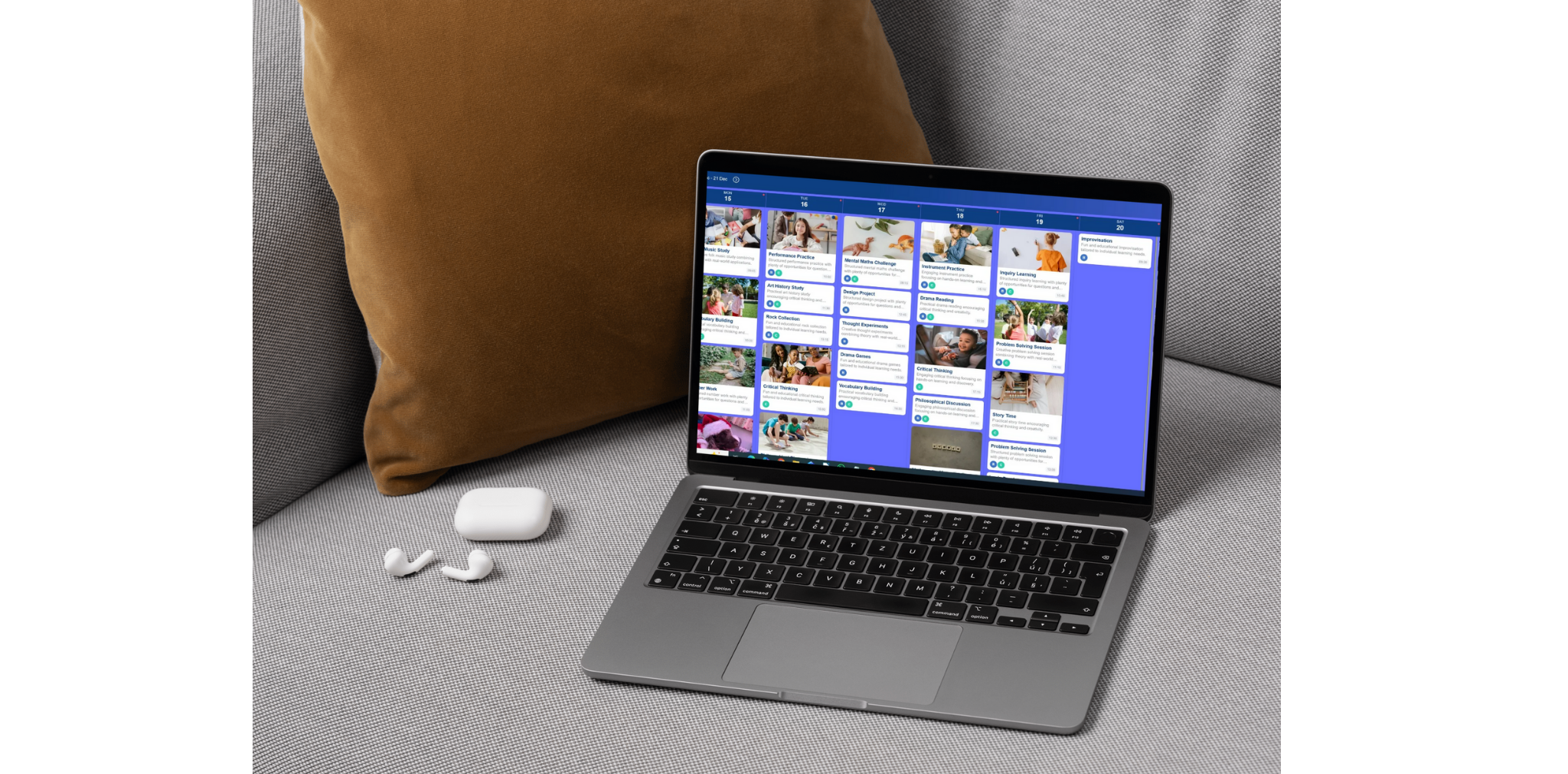
Just go to this address (this works on both your pc and a phone device).
https://app.homeedcompanion.com
Login using the same details as you would on your phone. Then it works in the same way as the app. It might be easier to do bulk updates and download reports from here.
You can also choose to use and subscribe on the desktop companion rather than downloading the device specific app.
If you have purchased via the website, you can also download the app on your phone for free. Just use the same login details.
Android: https://play.google.com/store/apps/details?id=co.uk.hec
Apple: https://apps.apple.com/app/home-ed-journal-planner/id6468102286
We take keeping your data safe very seriously, our security measures are extensive and follow industry best practice. Safety, security and privacy has been thought of throughout the design of the Home Ed Companion and the trust that we are given to keep this data safe is important to us. Firstly, the main account holder is the parent or carer (from now on called the 'customer') who must be over 18. When we create an account it is the customer's name and email we use. The customer can then create 'learner' accounts. We use minimal personal information about a learner. Customer's are able to use a nickname for their learner rather than their actual name if preferred. The portfolio document will allow the nickname to be changed locally when downloaded later. for more details about our data policy and security measures. Our business model is not about gathering data, it is to make a quality purchasable product that provides value to educator’s. We hope that in taking this choice, our customer’s will stay with us and see value in our product for years through their education journey. We are constantly reviewing and updating our security measures as necessary and will update this page as new security capabilities are added.
We are registered within the UK with the ICO. Registration reference is ZC104980. Date registered: 4 March 2026 Registration expires: 03 March 2027.
Please see our Privacy Policy page for more information.
To reset the password, login to the app, go to the 3 dot menu in the top right hand corner. Select 'account settings', select 'account security' from the bar menu and update your password here.
Apart from where we use third-party dependencies within our application for transactional processes or marketing, the simple answer is NO. As long-term home educator's ourselves, we are fully aware of the issues around maintaining privacy. The Home Ed Companion tool is designed to support home-educating families and it exists for you and only you to use. We detail third party dependencies in our privacy policy.
That depends on where you reside and home educate or homeschool. The Home Ed Companion is available in multiple countries so you should check your local regulations. In the UK not all families choose to keep formal records but some find it useful and the Home Ed Companion app is designed for those who would like a tool to help with this.
For more information on your rights around home educating in the UK here are some useful links:
https://www.educationotherwise.org/resources/fact-sheets/
https://educationalfreedom.org.uk/
https://www.facebook.com/groups/239232119524989/
We have no links to the above websites, read the disclaimer policy.
We do have a 'Manage Subscriptions' link off the top menu so either use this or if you prefer, here are instructions out of the app.
Android:
All subscriptions are handled by Google. You should be able to cancel by following the steps below:
Apple:
You can delete your account and all associated data from the app. This is found in the menu at the top of the screen:
This is a permanent choice. Once account data is deleted, anything that has been entered into the app will be deleted permanently and cannot be reversed.
If this option is chosen, the subscription still needs to be cancelled as described in the above question.
We know home ed can feel like a lot some days, so we wanted to share a simple way to get going.
Here's our challenge to you: just one activity a day.
That's it. It doesn't need to be perfect or polished. Pick something your kids chose to do, something they loved, something that made everyone laugh. You can always go back and add more detail later — the important thing is starting small.
Here's how to get going in three easy steps:
Set up a learner
Watch our video on setting up a learner
or check out our instagram reel
Select your categories
Watch our video on setting up categories
or check out our instagram reel
Start logging your learning activities
A learning activity can be almost anything — a conversation in the car, a class, an outing, some work at home, a cooking session. If it counts as learning to you, it counts here.
Watch our video on adding an activity
or check out our instagram reel.
That's genuinely all it takes to get started. One activity today — see how easy it can be.
A 'Provide Feedback' feature can be found from the 3 dot menu at the top of the screen. Tell us about any issues you encounter, what you think of the app or any new features you'd like adding or if you prefer you can email us on info@homeedcompanion.com