You can sign up and create an account directly from the website here.
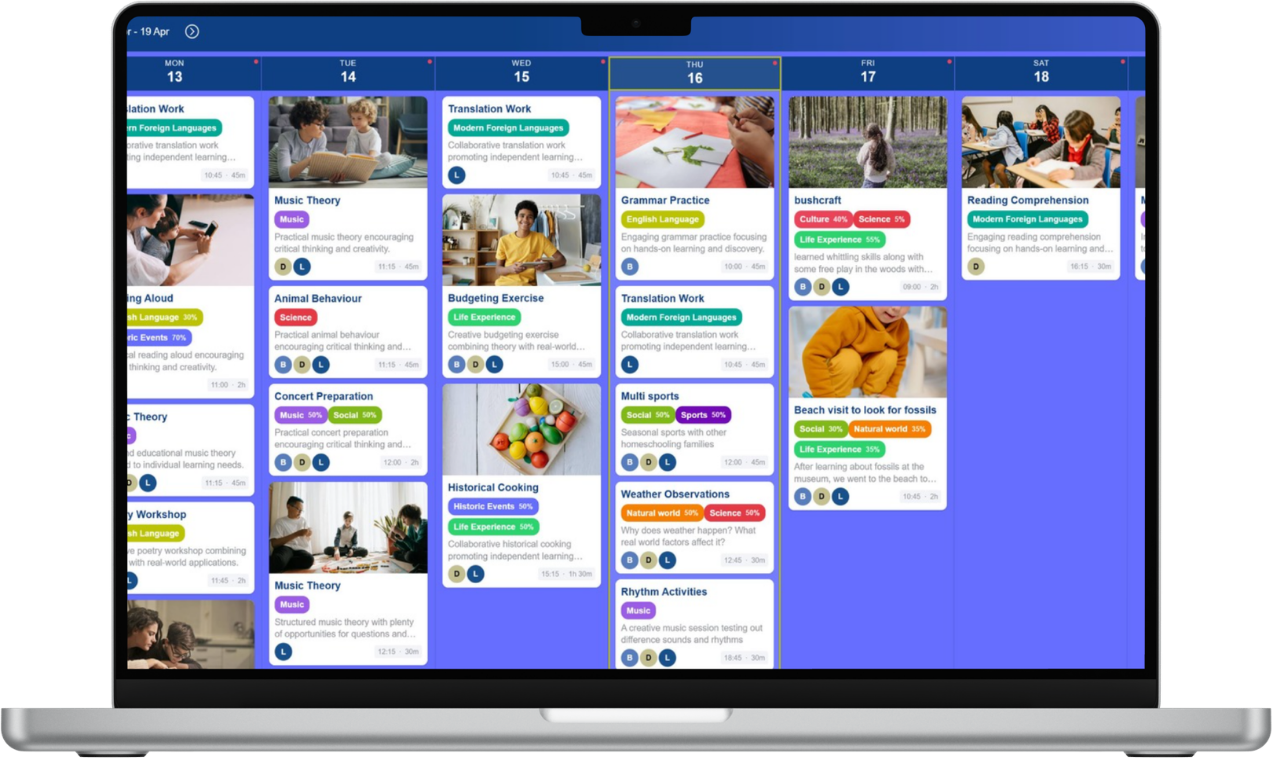
If you created your subscription from the web you can either use the Home Ed Companion both from your pc or it also works on your phone (it's identical to the app version).
However, if prefer the convenience of using an app on your phone, you can still use the app even if you subscribed from the website. Just download here and log in with the same details.
If you have paid for your subscription already on the web version and are prompted with the paywall in the app, just select the link underneath the payment choices that says "Already subscribed? Restore purchases"
Purchase a subscription for your phone using the links above if you prefer. You can also still access the desktop/web version with the above link too. Just use the same login on all accounts.